Guide
Invoice approval workflow: who approves what, and when
How an invoice approval workflow routes a bill from capture to payment, who signs off at each step, and where AP automation software changes it.
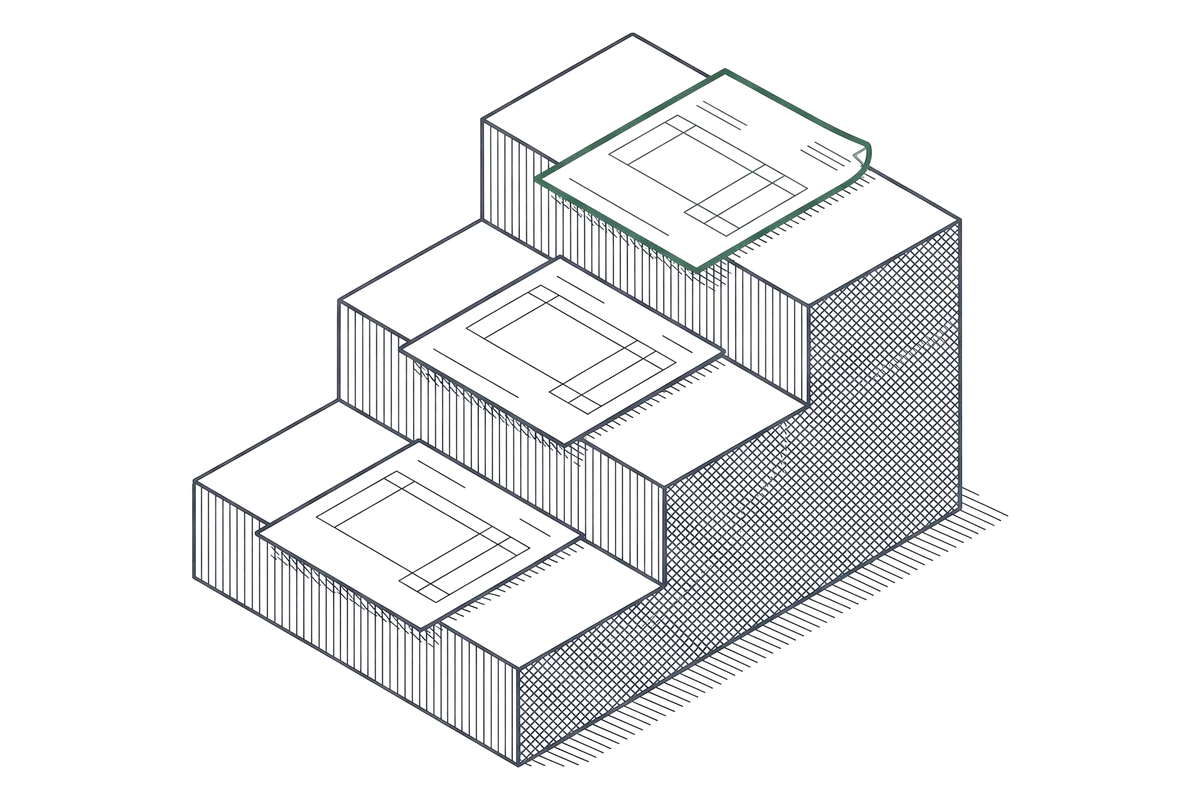
An invoice approval workflow is the sequence of checks and sign-offs a bill goes through between the moment it arrives and the moment it gets paid. At its simplest, that is two people: whoever enters or captures the invoice, and whoever approves it for payment, the same two-role floor this site’s own cost methodology assumes for AP automation at every volume tier. As invoice volume grows, most teams add approval steps by dollar amount or by department rather than by adding more people to every invoice. AP automation software like BILL or Ramp replaces the manual version of this chain, routing invoices to the right approver automatically and logging who signed off and when.
A typical workflow has three stages. Capture gets the invoice into a system, by hand or through OCR invoice capture. Matching checks the invoice against a purchase order and a receipt, when one exists, before anyone approves it. Approval routes the invoice to the person or people with authority to pay, usually set by a dollar threshold, so a small invoice might need one sign-off and a large one might need three.
Where a workflow breaks down most often is the handoff between steps: an invoice stuck in someone’s inbox, an approver on leave with no backup, or a purchase order that does not match because of a quantity or a price difference. AP automation software addresses this by setting a backup approver, an escalation timer, or a tolerance band for small matching differences, configured once rather than handled case by case.
Pricing for this layer varies by vendor. BILL prices per user, so adding an approver costs a seat, though Corporate and Enterprise discount approver-only users. Ramp has no seat fee on its Free plan and charges $15 a user a month on Plus. Tipalti charges no per-user fee.
NetSuite and Sage Intacct connect only from a higher plan on BILL and Ramp.
The cost per invoice calculator applies the two-person minimum, one preparer and one approver, using the assumptions in the pricing methodology.
That floor holds from 1,000 invoices a month up to 25,000 invoices a month; only the number of approvers assumed at each tier changes, not the two-role minimum.
Ramp and BILL handle approval routing differently enough to be worth a direct comparison, and the full ranking of AP automation software covers fit and cost per invoice across all fifteen vendors in this set. The invoice approval software ranking orders seven of them by cost per invoice, then by how many of four approval controls each sells.
Frequently asked questions
What is an invoice approval workflow?
It is the sequence of checks and sign-offs a bill goes through between arriving and getting paid: usually capture, matching against a purchase order, then approval by one or more people set by a dollar threshold.
How many people should approve an invoice?
Two at minimum: one to enter or capture it and one to approve it, under this site's own two-role floor. Larger invoices commonly add a second or third approver by dollar threshold rather than by invoice count.
Does AP automation software change who approves invoices?
No. It routes the invoice to the same people a manual process would, automatically, and adds a backup approver and an escalation timer so one person's inbox cannot stall the whole run.